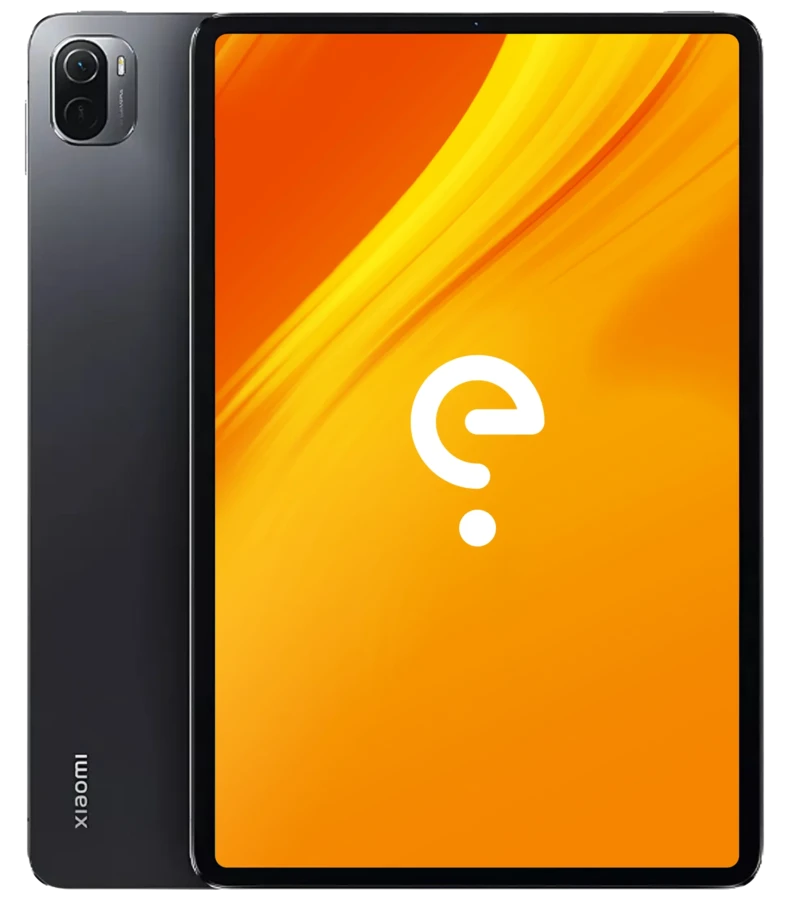
Xiaomi nabu Edit

Guides

Command line

For advanced users, installing /e/OS with Android platform tools.

Install
Build

Build /e/OS for yourself with your own settings.

Build

Boot Modes

Recovery

With the device powered off - hold Volume Up + Power.

Download

With the device powered off - hold Volume Down + Power

Support the project

Usability

Known issue(s) 0

Xiaomi Pad 5

nabu

Apps Compatibility

Bootloader
not lockable
Build Variant
userdebug
Play integrity
basic (to be confirmed)
Release Type
community

Device details

Release
2021
SoC
RAM
6 GB
CPU
Octa-core Qualcomm Snapdragon 860 (7 nm)
1x2.96 GHz Kryo 485 Gold & 3x2.42 GHz Kryo 485 Gold & 4x1.78 GHz Kryo 485 Silver
Architecture
arm64
GPU
Adreno 640
Network
–
Storage
128GB 6GB RAM, 256GB 6GB RAM, UFS 3.1
SD card
–
Screen
11 in
1600x2560 (274 PPI)
IPS LCD, HDR10, Dolby Vision (max Hz)
Device Tree
–
Bluetooth
5.3 with A2DP + aptX HD
Wi-Fi
802.11 a/b/g/n/ac/ax
Peripherals
  • Glass front
  • aluminum frame
  • plastic back
  • Stylus support (magnetic)
Camera(s)
No of Cameras: 2
  • 13 MP, Dual-LED,HDR, panorama,4K@30fps, 1080p@30fps flash
  • , 1080p@30fps flash
Dimensions
254.7 (h)
166.3 (w)
6.9 (d)
Battery
Non-removable Li-Po 8720mAh 33W mAh

/e/OS Information

Maintainers
  • /e/OS Build Team
Build versions
  • A13 (community)
Models Supported
Models:
    Other models are not supported
    Disclaimer: We cannot guarantee that all the device specific information on this page is 100 % up to date or accurate. Read more.